



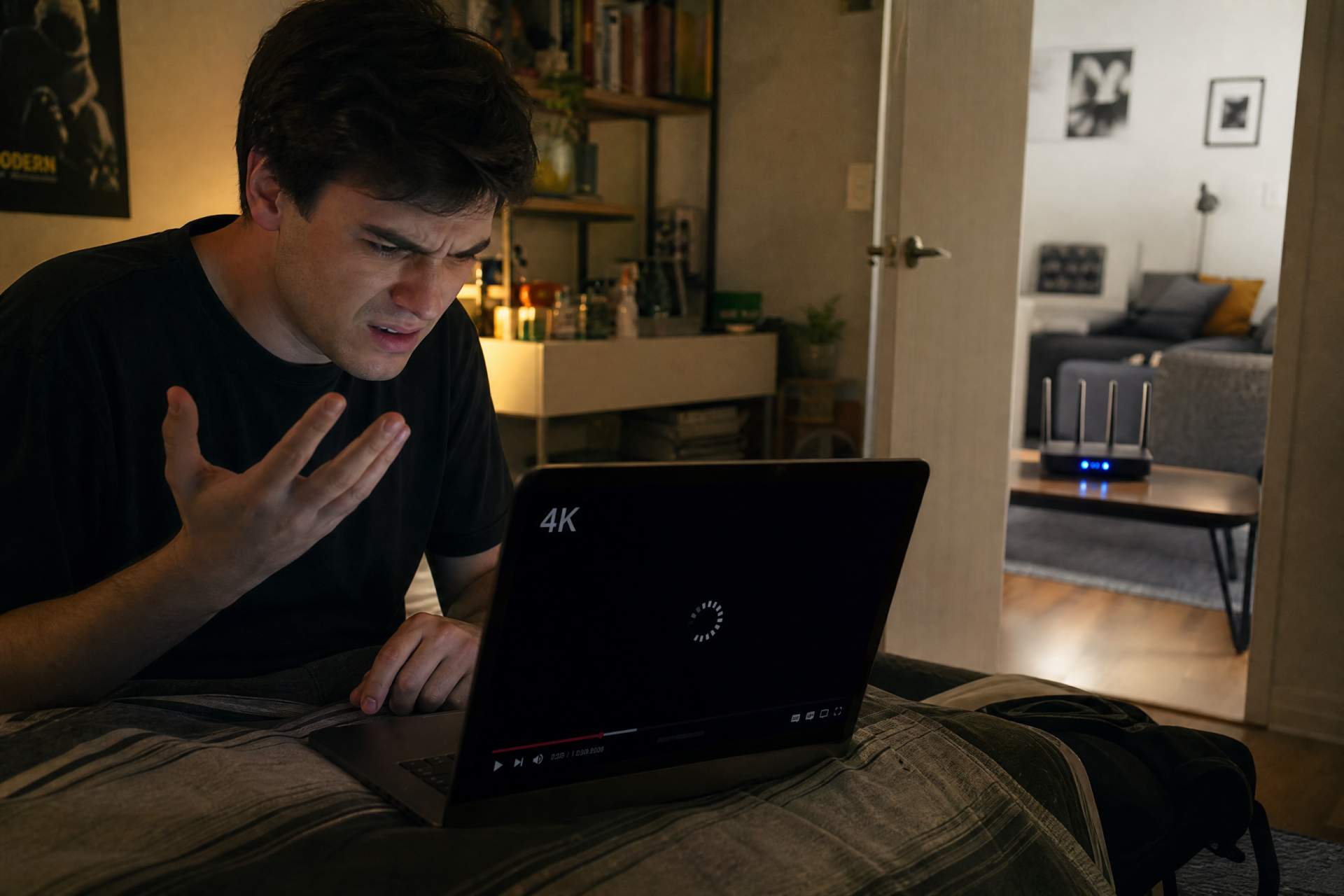
You just shelled out good money for gigabit fiber internet, envisioning a digital Shangri-La where buffering is a myth and downloads finish before you can blink. You even bought a shiny new Wi-Fi 6 router, proudly displaying it in your living room like a modern art piece. Yet, the moment you step into the bedroom for a 4K movie or attempt a crucial video call from your home office, the dream shatters. Pixels dance, voices stutter, and that promising Wi-Fi signal on your phone delivers speeds barely breaking 100 Mbps. What gives? Is your ISP playing games, or is there a conspiracy against your Netflix binge?
Let’s get one thing straight from an old hardware guy: your Internet Service Provider is rarely the primary villain in this story. That blazing "gigabit" speed you're paying for is like a firehose connection to your house. But once it hits your front door, it then needs to navigate your internal plumbing – and that's where most people hit a snag. The reality is, your Wi-Fi experience depends far more on your home's internal network infrastructure than on the raw speed coming into your router. Many of us unwittingly throw money at faster internet plans, all while the real bottleneck is sitting right inside our own walls.
Think of your gigabit internet as a super-fast highway leading to your neighborhood. Your Wi-Fi router is the exit ramp. But then, inside your house, you’re trying to drive a semi-truck down a narrow, winding garden path. The highway speed is irrelevant if your internal routes are choked. Common culprits include the very structure of your home, everyday interference, and even the devices you're using. For example, a concrete wall isn't just a physical barrier; it's a speed reducer, often slashing Wi-Fi performance by half or more just passing through it.
So, why does your Wi-Fi signal, which looks full on your phone, deliver pathetic speeds? Because "full signal" often just means your device sees the router. It doesn't tell you the quality or speed of that connection. Imagine trying to talk to someone across a crowded, noisy concert hall. You can see them, but good luck having a clear conversation. Your Wi-Fi signal is battling distance, material resistance, and other invisible radio chatter.
One of the biggest unsung villains in your Wi-Fi saga is your home itself. Drywall is one thing, but brick, concrete, plumbing, and even large appliances act like signal sponges, absorbing and reflecting Wi-Fi waves. A single internal wall can easily knock a theoretical 900 Mbps speed down to a very real 200-300 Mbps. Two walls, and you might be struggling to hit 100 Mbps. Add a floor, and things get even grimmer. Your neighbor's Wi-Fi, your microwave oven, even Bluetooth devices can create a subtle, but effective, "radio noise" that slows everything down.
The good news? You don't need a degree in electrical engineering to fix this. It’s about smart strategy. First, router placement is paramount. Don't hide your router in a cabinet or a corner. Place it centrally, high up, and in the open. Imagine it as a lighthouse, needing a clear line of sight to send its signal. Moving your router just a few feet can sometimes double your speeds in distant rooms.
For true reliability and speed, especially for stationary devices like desktop PCs, gaming consoles, or smart TVs, nothing beats a network cable. Running an Ethernet cable provides a dedicated, interference-free superhighway. This is called an "Ethernet backbone" and it’s the gold standard for anything critical. If you have a device that can be wired, wire it. You’ll free up precious Wi-Fi bandwidth for your truly wireless gadgets.
If running cables isn't feasible, consider a Mesh Wi-Fi System. Unlike simple Wi-Fi extenders that just relay a weaker signal, mesh systems use multiple units (like mini routers) that work together to create a single, powerful, and consistent Wi-Fi network across your entire home. They intelligently guide your devices to the strongest signal as you move around, offering seamless roaming. They're generally easy to set up and ideal for multi-story homes or larger layouts where a single router just can't cover everything. However, they are an investment and still rely on wireless backhaul, which isn't as robust as a wired connection.
Another robust option is deploying Access Points (APs). These are essentially extra Wi-Fi broadcasting stations, hardwired back to your main router. They offer the best wireless performance for larger spaces, as each AP gets a full-speed wired connection. It's a more advanced setup, often requiring some cabling, but delivers fantastic results for demanding users in bigger environments.
Finally, there are Powerline Adapters. These devices use your home’s existing electrical wiring to transmit network data. Plug one near your router, another near your device, and you get an internet connection without new cables. It's a clever solution, but performance can vary wildly depending on the age and quality of your electrical wiring. It’s a bit of a lottery, but can be a lifesaver in specific scenarios where other options are impossible.
To make the right choice, assess your needs. For a small apartment, optimizing router placement might be enough. For a medium-sized house with diverse usage, a Mesh Wi-Fi system offers a great balance of performance and ease. For a large home or office with high demands, a combination of wired Ethernet for static devices and strategically placed Access Points will deliver the best experience. Stop blaming the guy supplying the water to your hose; look at the kinks in your garden sprinkler system. Invest a little thought and effort into your internal network, and you'll finally enjoy the gigabit speeds you're paying for, turning that buffering nightmare into a streaming dream.
Disclaimer: Mention of any brand or trademark is for identification only and does not imply partnership or endorsement